
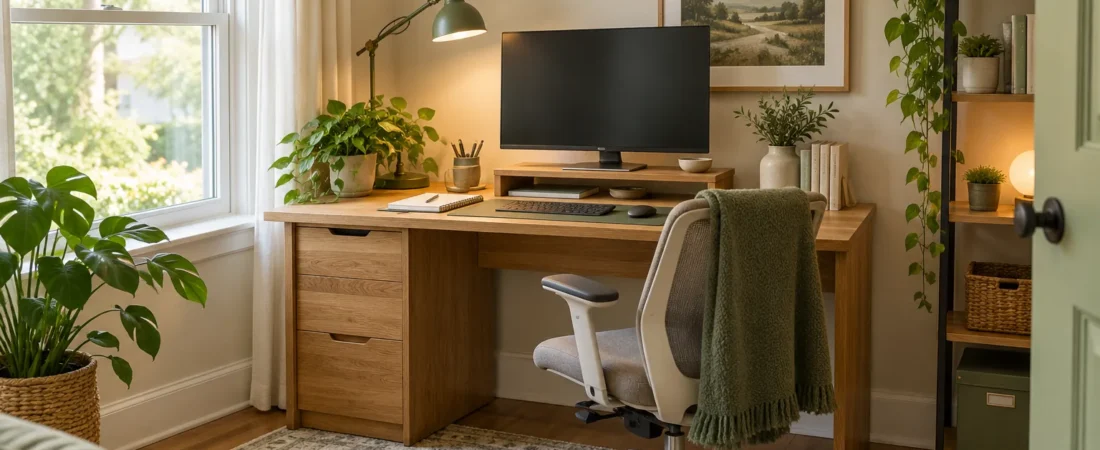
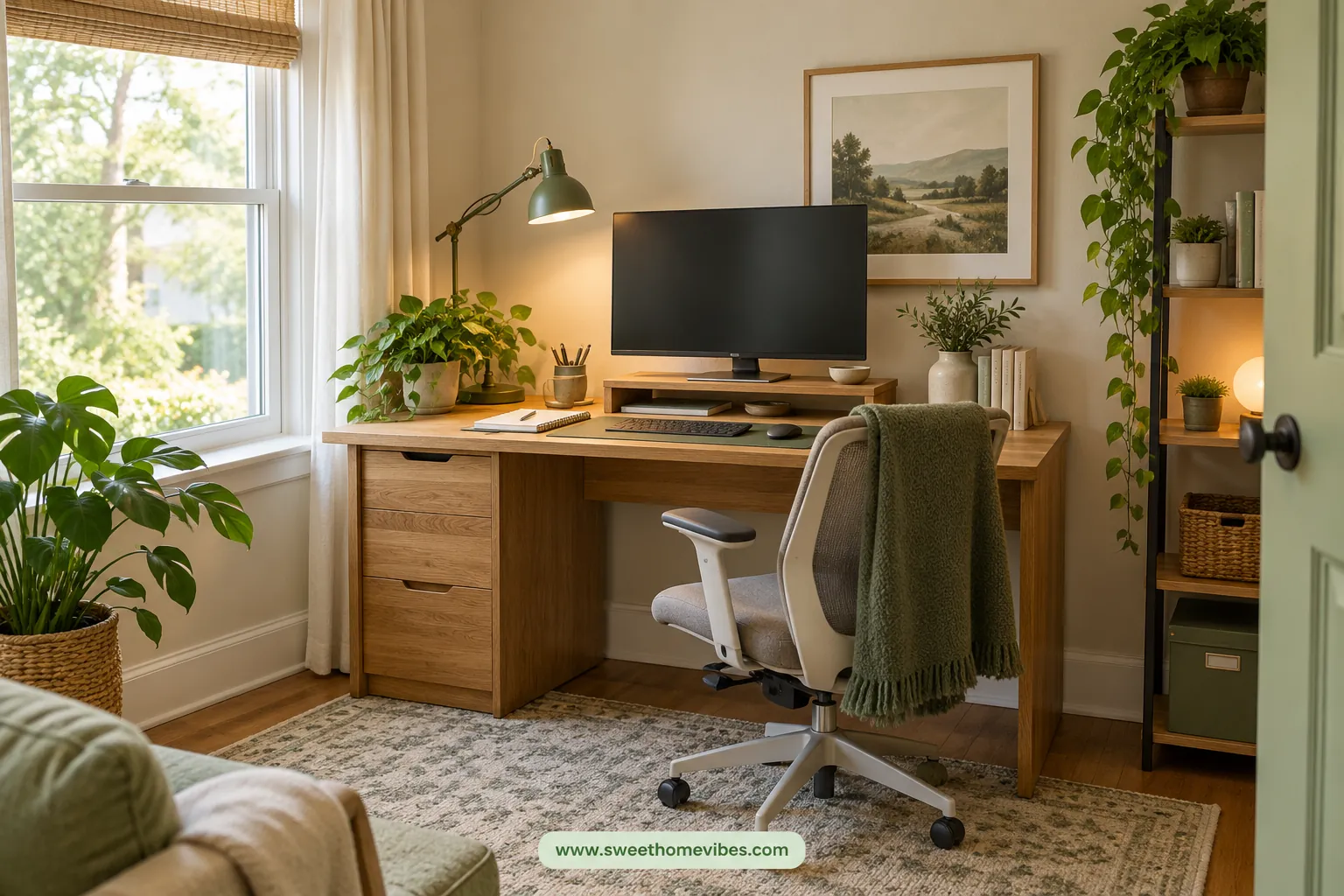
A home office makeover doesn't require expensive furniture or a complete room renovation. Your desk might simply need better lighting, less clutter, or a more comfortable arrangement. Small changes can make an existing workspace easier to use without stretching your budget.
This guide covers 12 affordable upgrades for a home office makeover on a budget. You'll learn which problems to fix first, where spending makes sense, and what you can improve for free. You'll also find budget plans for $25, $50, and $100.
What Should You Upgrade First in a Home Office Makeover?
Start by identifying what bothers you most during your working day. An uncomfortable chair deserves attention before decorative accessories, while poor lighting matters more than a new desk mat. Choosing upgrades around your daily problems helps you avoid unnecessary purchases.
| Workspace problem | First improvement | Estimated budget |
|---|---|---|
| Poor lighting | Reposition a lamp or add task lighting | $0–$30 |
| Low monitor | Adjust screen height | $0–$35 |
| Cluttered desk | Declutter or add compact storage | $0–$25 |
| Tangled cables | Secure and organize cords | $0–$20 |
| Uncomfortable seating | Adjust chair and foot support | $0–$50+ |
| Unfinished appearance | Improve layout or add one accent | $0–$30 |
These are illustrative spending ranges, not verified product prices.
How to Improve Your Home Office Without Replacing Everything
Remove unnecessary items from your desk and rearrange the equipment you already own. Next, adjust your chair, monitor, and lighting to see which problems disappear without spending money. Once you've tested these changes, you'll know which affordable home office upgrades are worth considering.
12 Affordable Home Office Upgrades That Make a Difference
These upgrades address common workspace problems without requiring a new desk or complete furniture replacement. Each idea focuses on something you can change using your existing setup or an inexpensive accessory. Start with the improvements that will make your working day easier.
1. Rearrange Your Desk Before Buying Anything
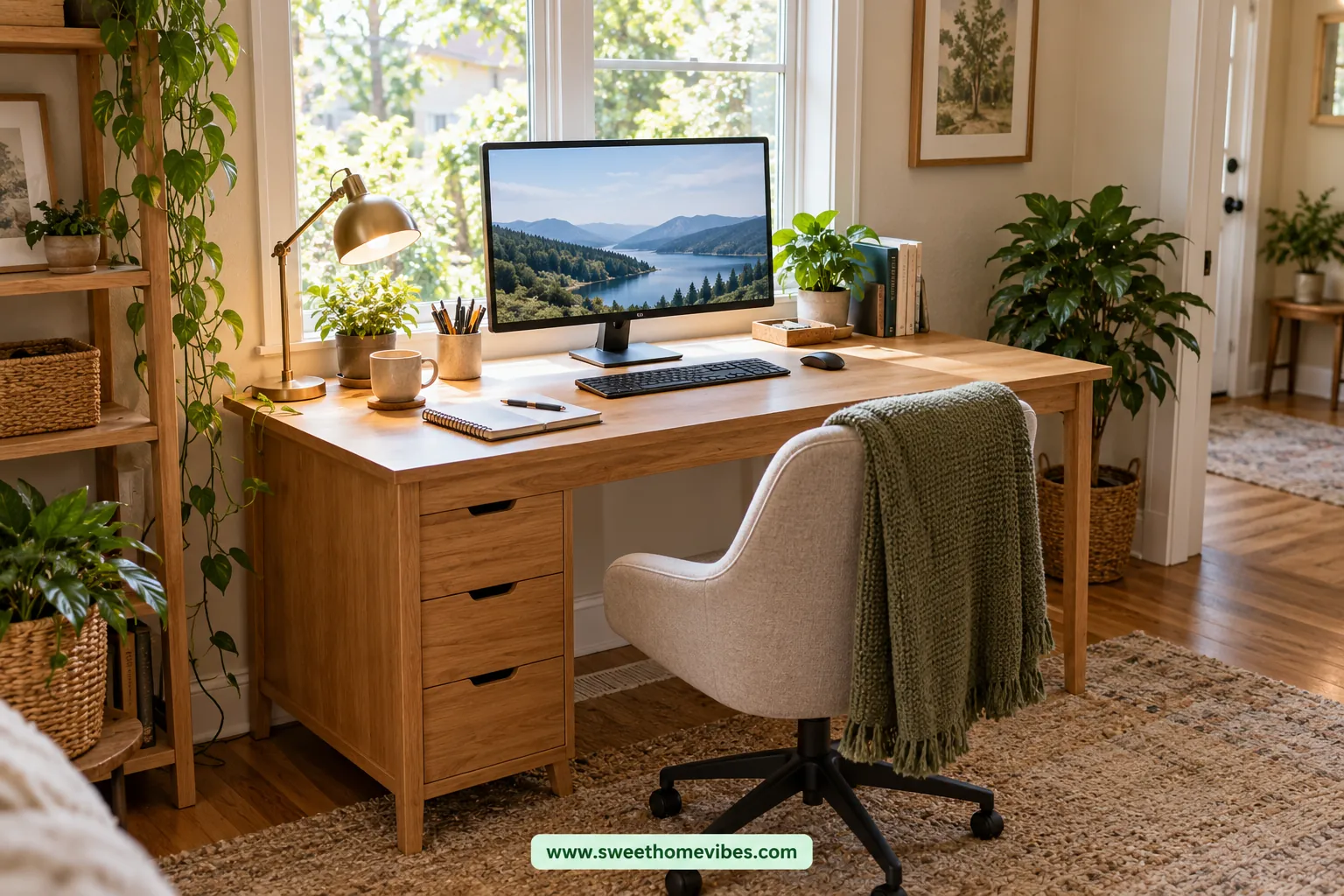
A crowded desk isn't always too small; sometimes, the arrangement wastes available space. Move your monitor directly in front of your chair and keep frequently used items within comfortable reach. Store occasional supplies elsewhere so your keyboard, mouse, and notebook have enough room.
Check whether sunlight reflects on your screen or household movement distracts you. Moving the desk beside a window or facing a quieter wall may improve both lighting and concentration. These free desk makeover ideas are worth trying before purchasing additional furniture.
Unsure whether your desk arrangement fits the available room? Try our Desk and Workspace Size Planner to plan your desk dimensions and surrounding space before rearranging furniture. It can help you make better use of a small workspace without buying a new desk.
If you're working in a tight room, our corner desk setup ideas for small spaces offer useful layout inspiration. An existing L-shaped desk can also separate computer tasks from paperwork or other activities. See our small L-shaped desk setup ideas for different arrangements.
2. Improve Desk Lighting Without Redoing the Room
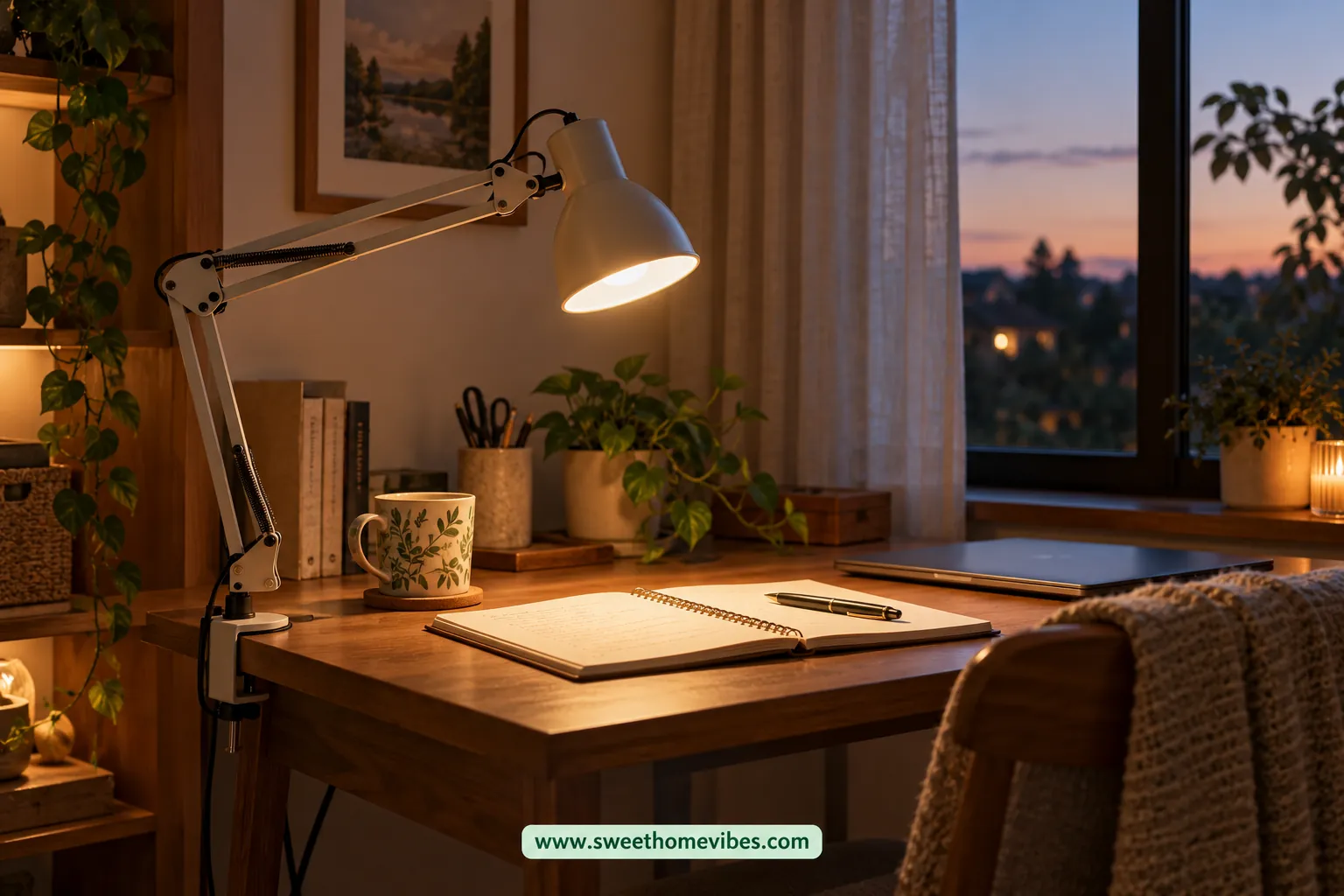
Poor lighting makes paperwork harder to read and can create distracting screen reflections. Position your desk so daylight enters from the side, then adjust curtains when direct sunlight causes glare. An adjustable lamp can provide focused lighting when natural light isn't sufficient.
Place the lamp where it illuminates your working area without shining directly into your eyes or monitor. A clamp-style LED lamp can save desk space, while adjustable brightness gives you more control throughout the day. These home office lighting ideas improve visibility without changing the entire room.
Not sure how much light your workspace needs? Our Room Lighting and Lumen Calculator can help you estimate lighting requirements based on room size and use. Check the results before choosing a desk lamp or changing your room lighting.
Amazon Product Recommendation
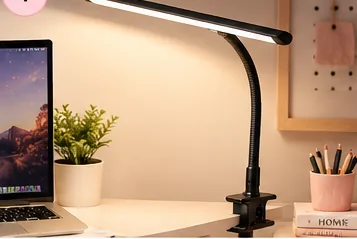
Clamp-On LED Desk Lamp
3. Raise Your Monitor to a More Comfortable Height
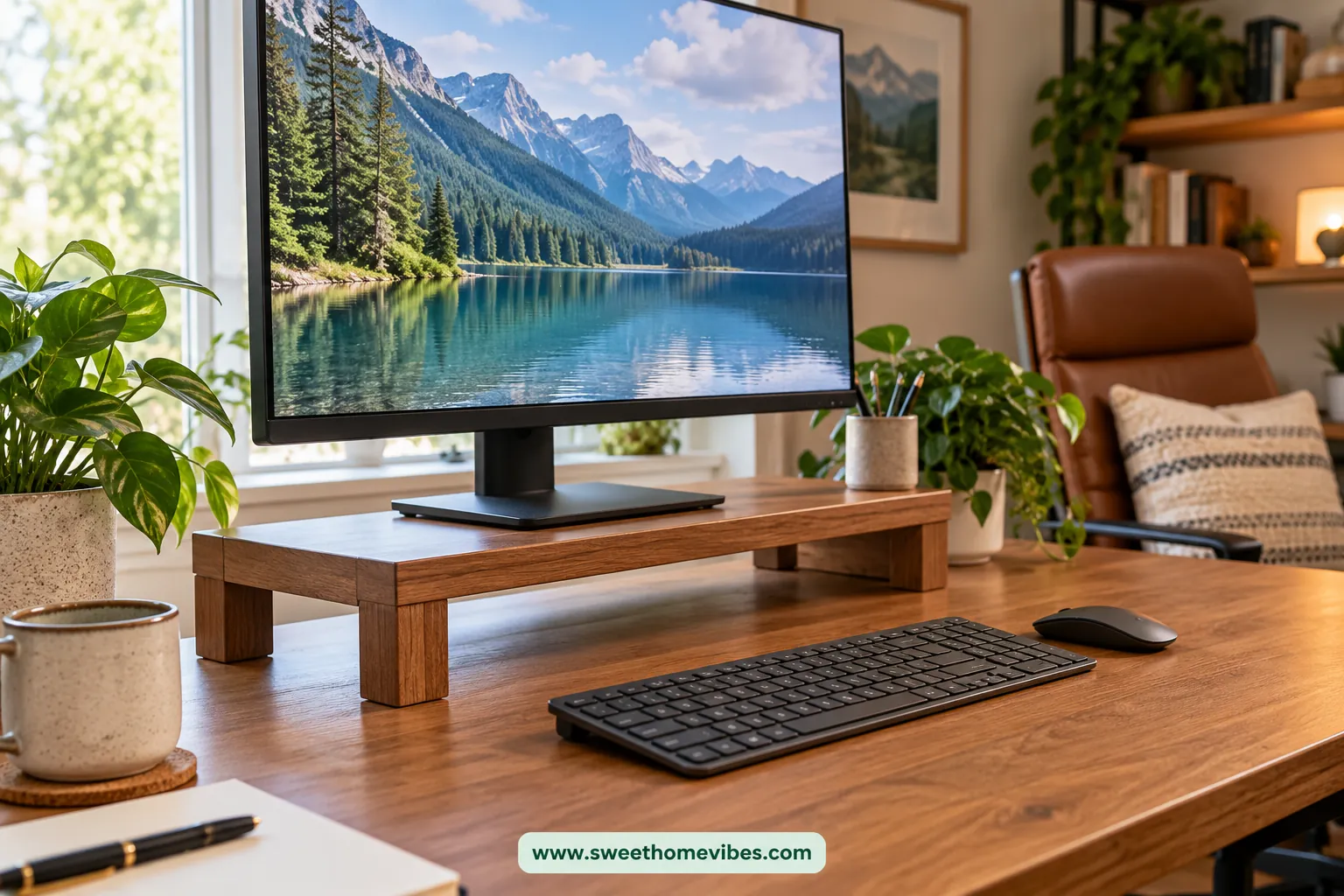
A monitor positioned too low may encourage you to bend your neck throughout the day. Adjust the screen so its top sits around eye level or slightly below, with the display roughly an arm's length away. Your ideal position may vary with screen size and individual comfort.
Check whether your monitor's existing stand offers height adjustment before buying anything. A stable monitor riser can add height, while an adjustable arm may free desktop space. Measure your desk depth first so the screen doesn't end up uncomfortably close.
Amazon Product Recommendation
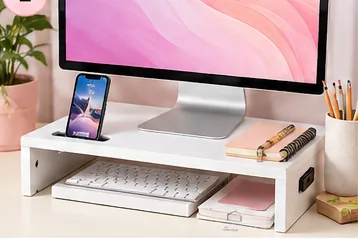
White Monitor Riser With Phone Holder
4. Make Your Chair Setup More Comfortable
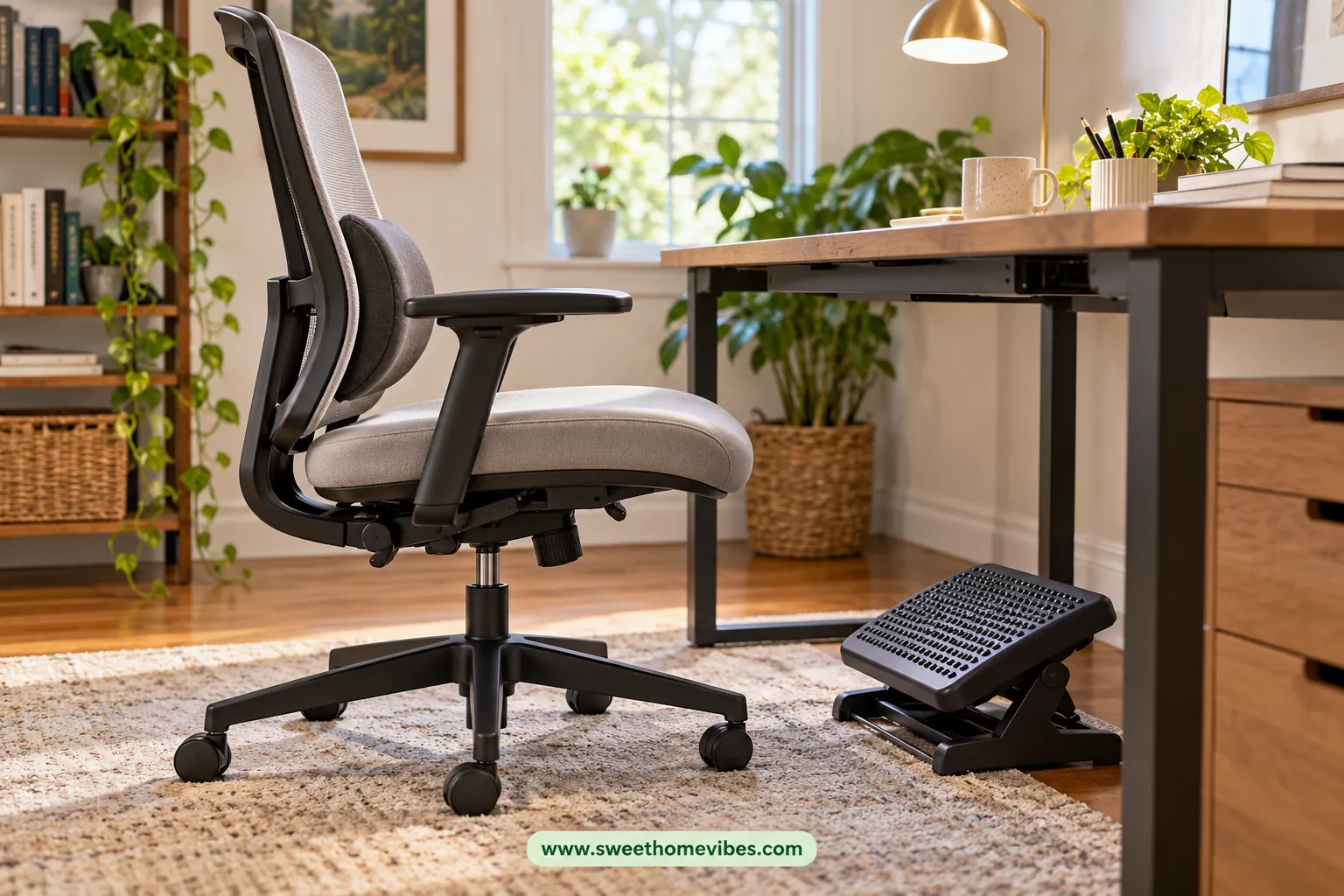
An uncomfortable chair doesn't always need replacing, especially when its existing adjustments haven't been used. Set the seat height so your feet rest flat on the floor and your shoulders remain relaxed while typing. Adjust the backrest and armrests where possible to support a comfortable sitting position.
If your feet don't reach the floor, a stable footrest may provide the support you need. A lumbar cushion might also help when your chair lacks adequate lower-back support. Check these adjustments before purchasing accessories, since additional cushions can sometimes reduce available seat space.
Amazon Product Recommendation
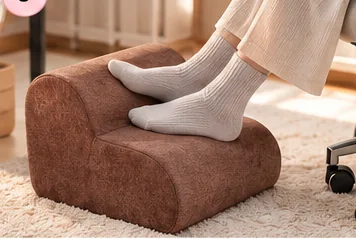
Ergonomic Under-Desk Footrest
5. Clear Your Desk With Smarter Small-Item Storage
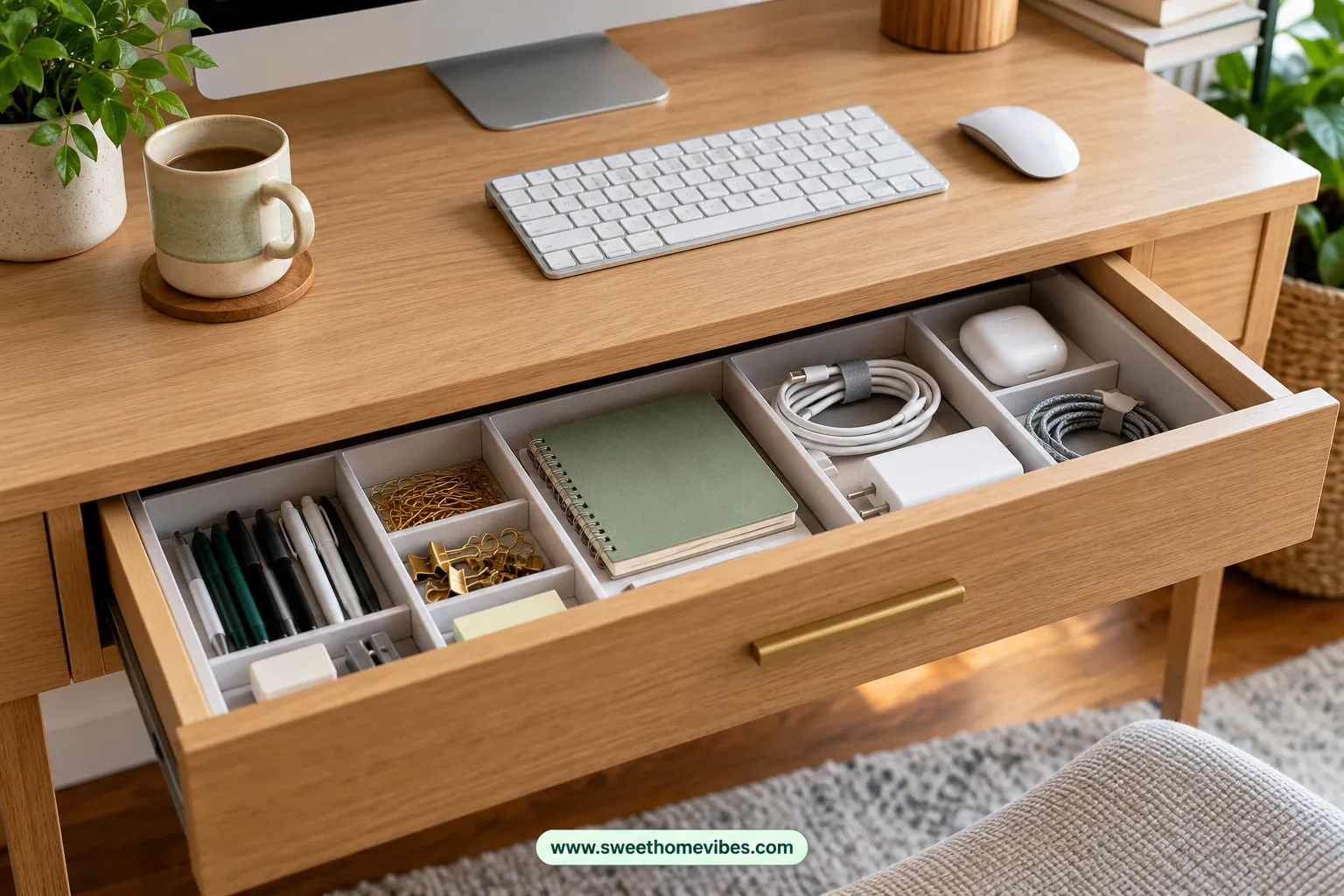
Pens, notebooks, receipts, and charging accessories can gradually occupy your entire desktop. Separate daily essentials from occasional supplies, then remove anything that doesn't belong in your workspace. Keeping fewer items within sight makes it easier to find what you need.
Choose storage according to the items creating clutter rather than buying a large organizer immediately. Drawer dividers can separate small stationery, while an under-desk drawer may help when your desk lacks built-in storage. These home office organization ideas preserve working space without adding unnecessary furniture.
Amazon Product Recommendation
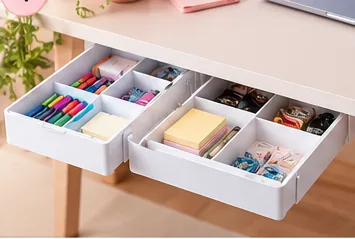
Under-Desk Storage Drawers
6. Hide Visible Cables Without Drilling
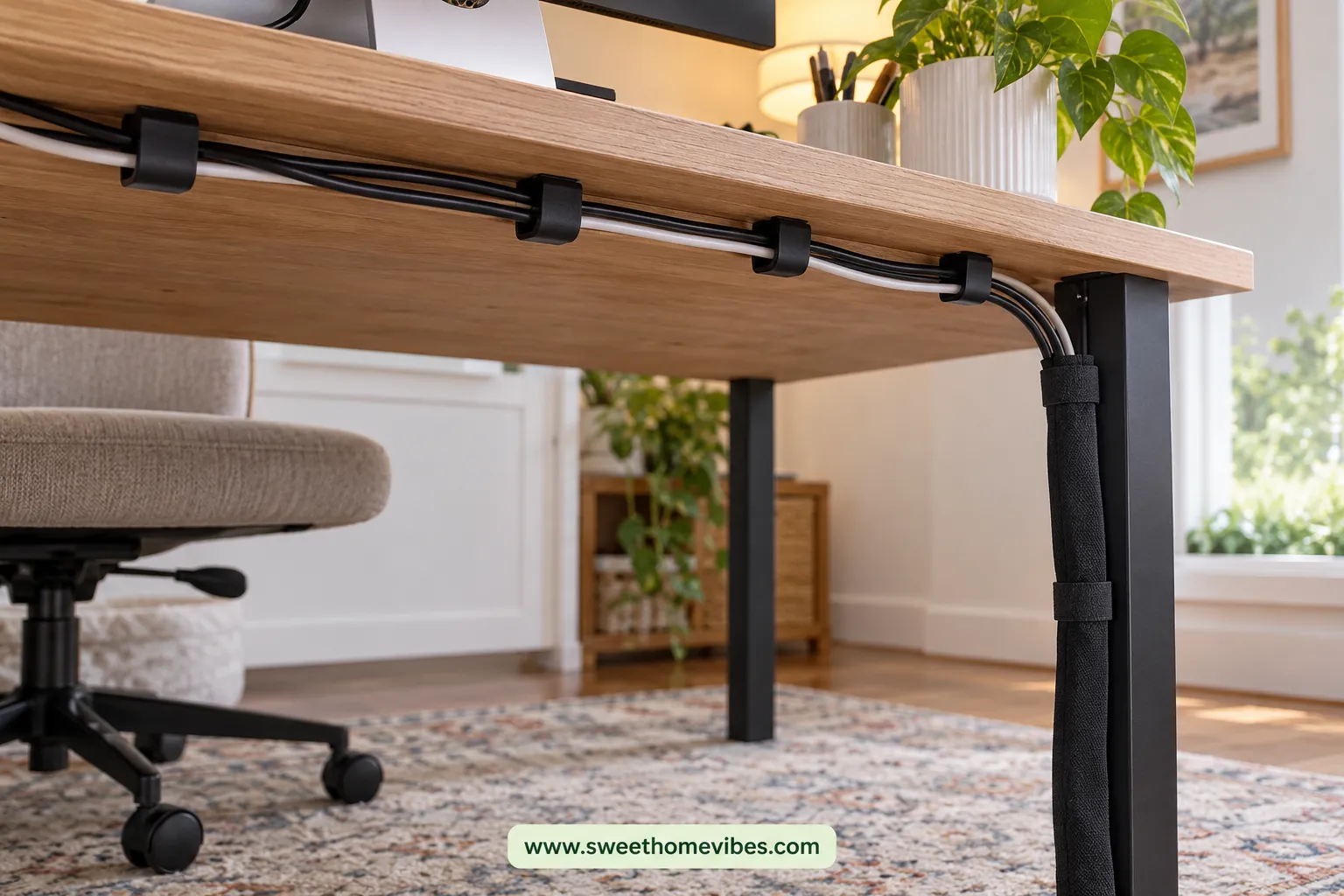
Loose monitor, computer, and charging cables can make an organized desk appear messy. Identify each cord, unplug equipment safely, and remove cables you no longer use. Route the remaining cords behind your desk using suitable clips or cable sleeves.
Adhesive clips and cable sleeves can help organize loose cords without drilling into your furniture. Keep electrical equipment ventilated and avoid placing cables where moving furniture could damage them. Our guide on how to hide desk cables without drilling covers ten solutions for a cleaner workspace.
Amazon Product Recommendation
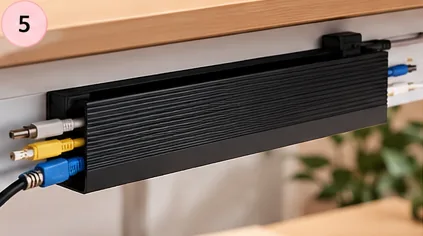
Adhesive Cable Management Channels
7. Create More Usable Desk Space
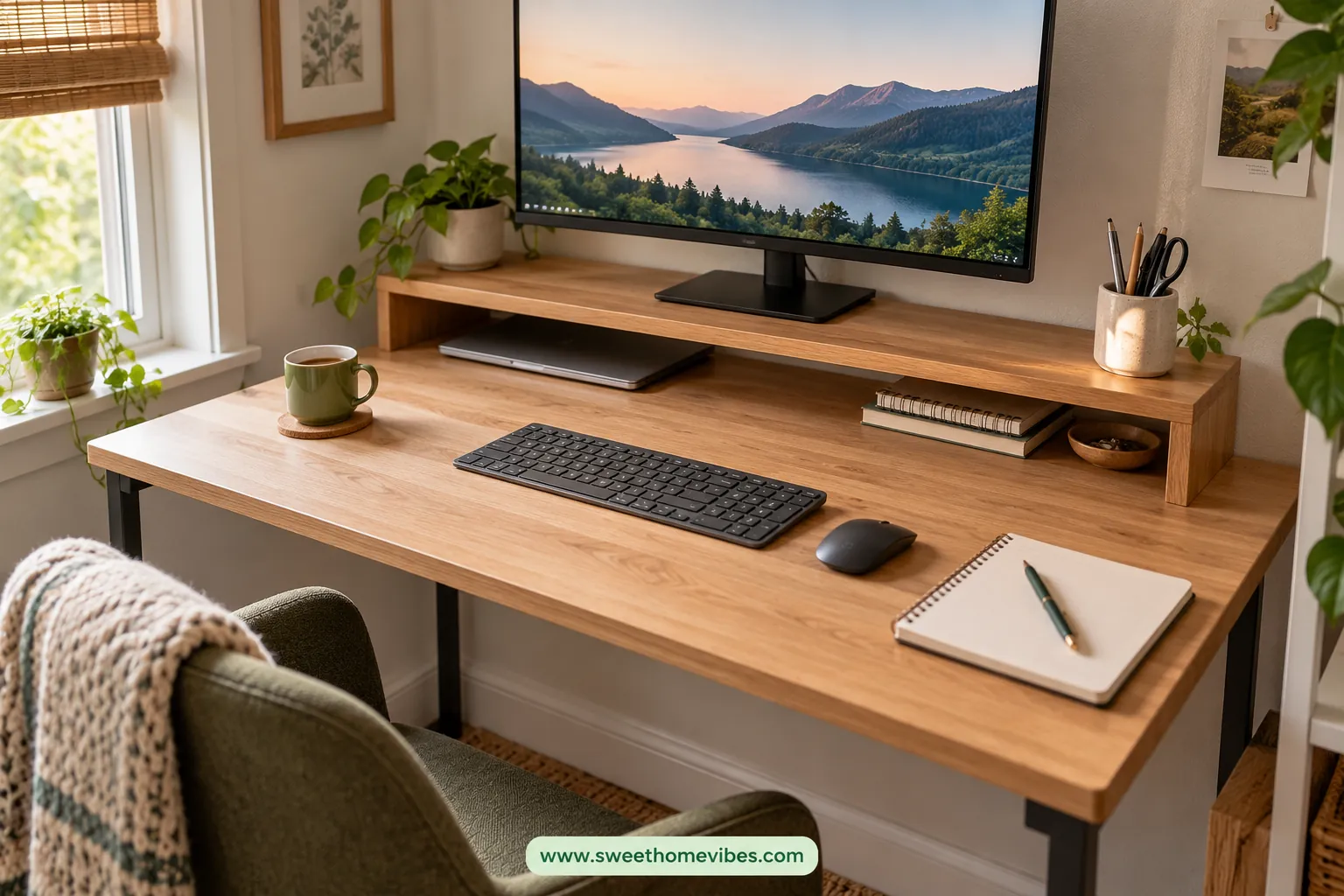
A small home office makeover should make your existing desk easier to use. Move occasional supplies into drawers and keep the central surface available for your keyboard, mouse, and paperwork. Removing a bulky accessory can sometimes provide more usable space than purchasing another organizer.
A monitor shelf may create storage underneath the screen, provided it supports the equipment safely. Compact holders can also keep frequently used supplies together without occupying much surface area. Measure your desk before choosing accessories, particularly when working with a narrow tabletop.
Amazon Product Recommendation
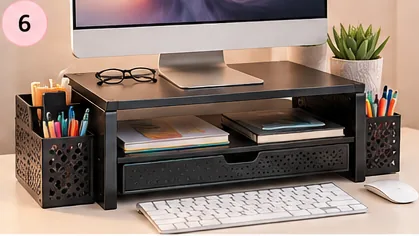
Monitor Stand With Storage Drawer
8. Improve Your Background Without Repainting the Room
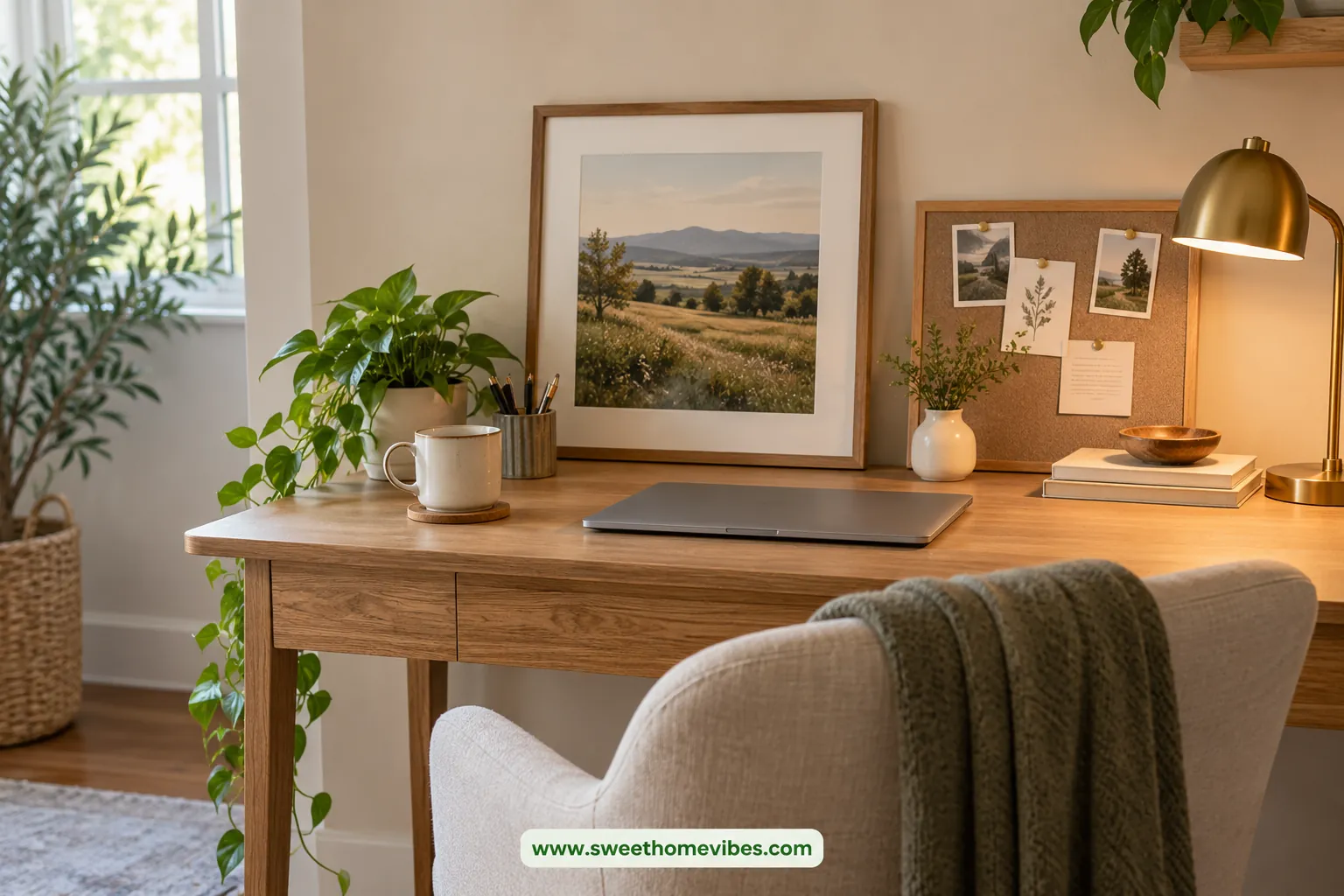
Your workspace background can influence how organized the room feels, especially during video meetings. Remove unrelated decorations and choose one feature that complements your existing furniture. A framed print, small pinboard, or neatly arranged shelf can make the area feel more intentional.
Keep the surrounding colors consistent instead of introducing several competing shades. Renters can consider removable decorations or freestanding accessories that don't require permanent wall changes. Choose pieces that add useful storage or personal character without crowding the workspace.
Wall decorations can look awkward when their proportions don't suit the surrounding furniture. Use our Wall Art Size Calculator to estimate suitable artwork dimensions for your available wall space. This helps you choose a decorative piece without overwhelming a small desk area.
9. Make a Better Charging Station
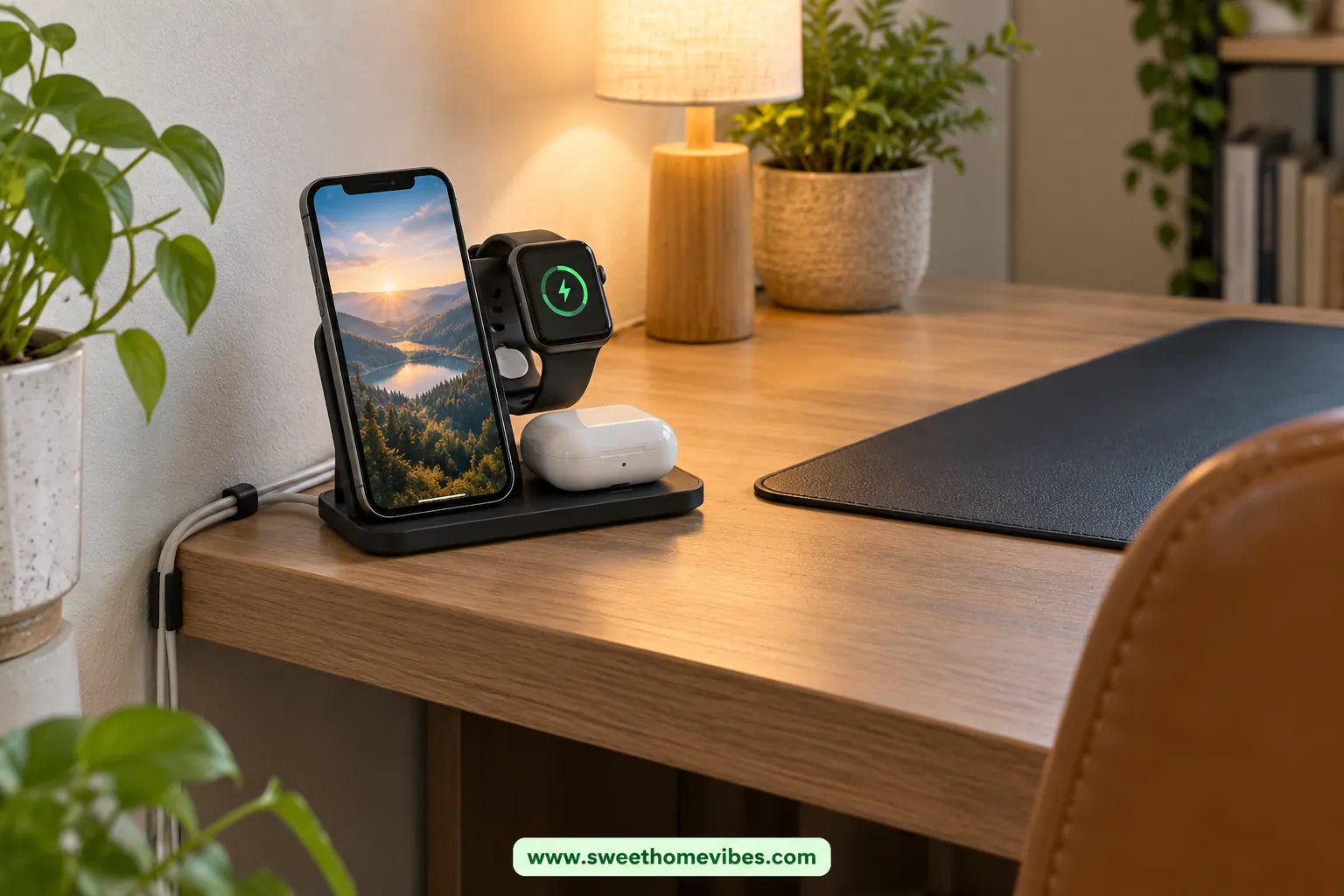
Charging cables and small devices often spread across a desk when they lack a designated place. Decide which devices need regular charging nearby, then store unused chargers elsewhere. Keep essential cords accessible without allowing them to cross your main working area.
A compatible multi-device charging stand may help organize frequently charged electronics in one location. Position it away from drinks and paper piles, and ensure adapters have adequate ventilation. Check device compatibility and power requirements before buying a charging accessory.
Amazon Product Recommendation
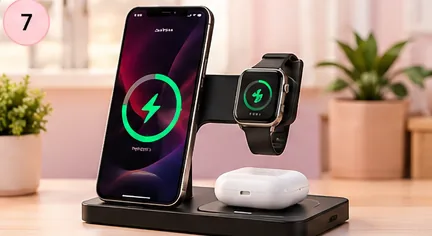
Three-Device Wireless Charging Station
10. Reduce Distractions in a Shared Room
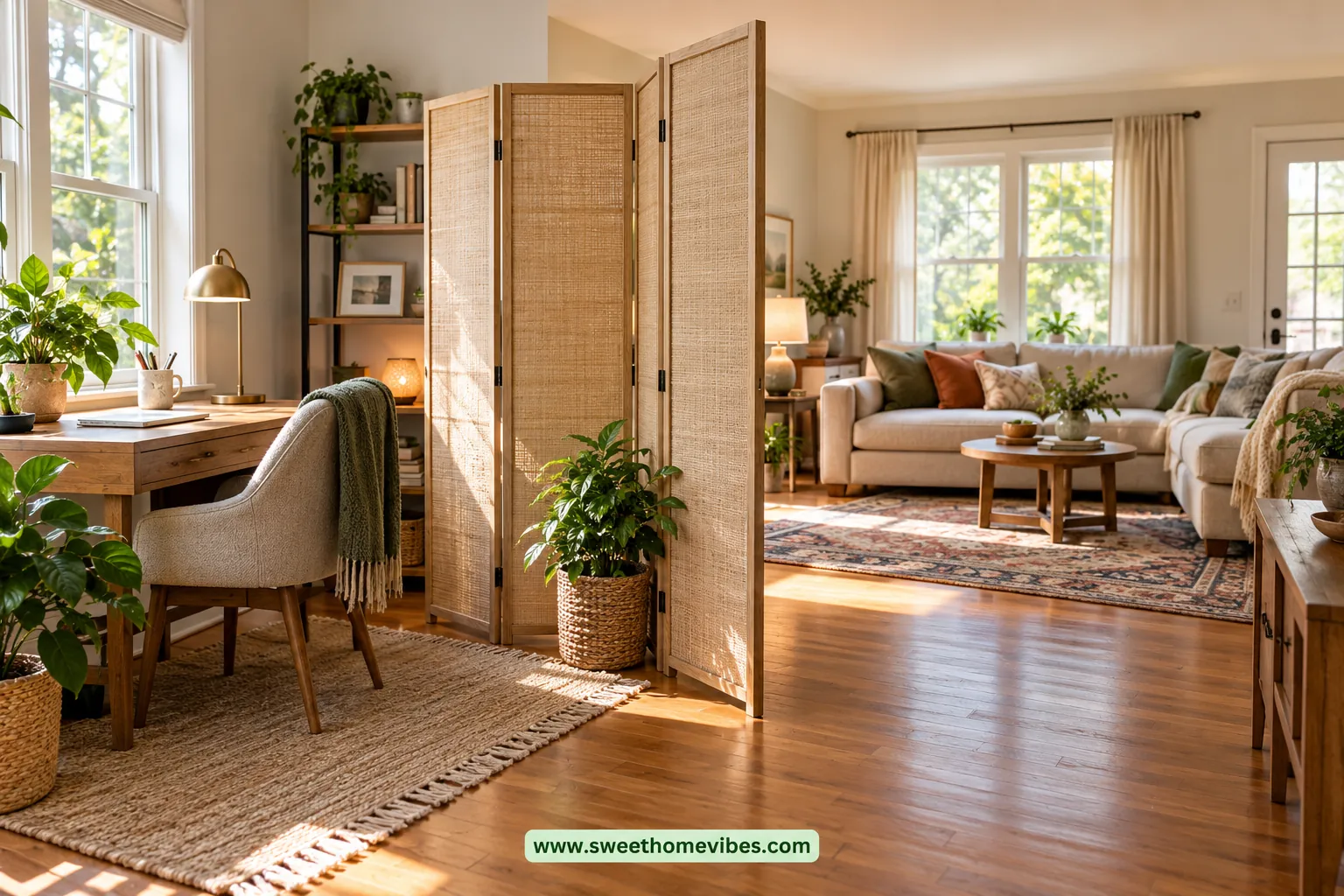
A home office in a bedroom or living room often shares space with household activities. Position your desk away from busy walkways or distracting screens whenever the layout allows. An existing bookshelf can sometimes create a clearer boundary without requiring additional furniture.
A lightweight divider may provide some visual separation when rearranging furniture isn't possible. Choose a stable design that doesn't block essential lighting or interfere with movement around the room. Agreeing on quieter working periods with household members can also help reduce interruptions.
11. Refresh the Workspace With Color and Texture
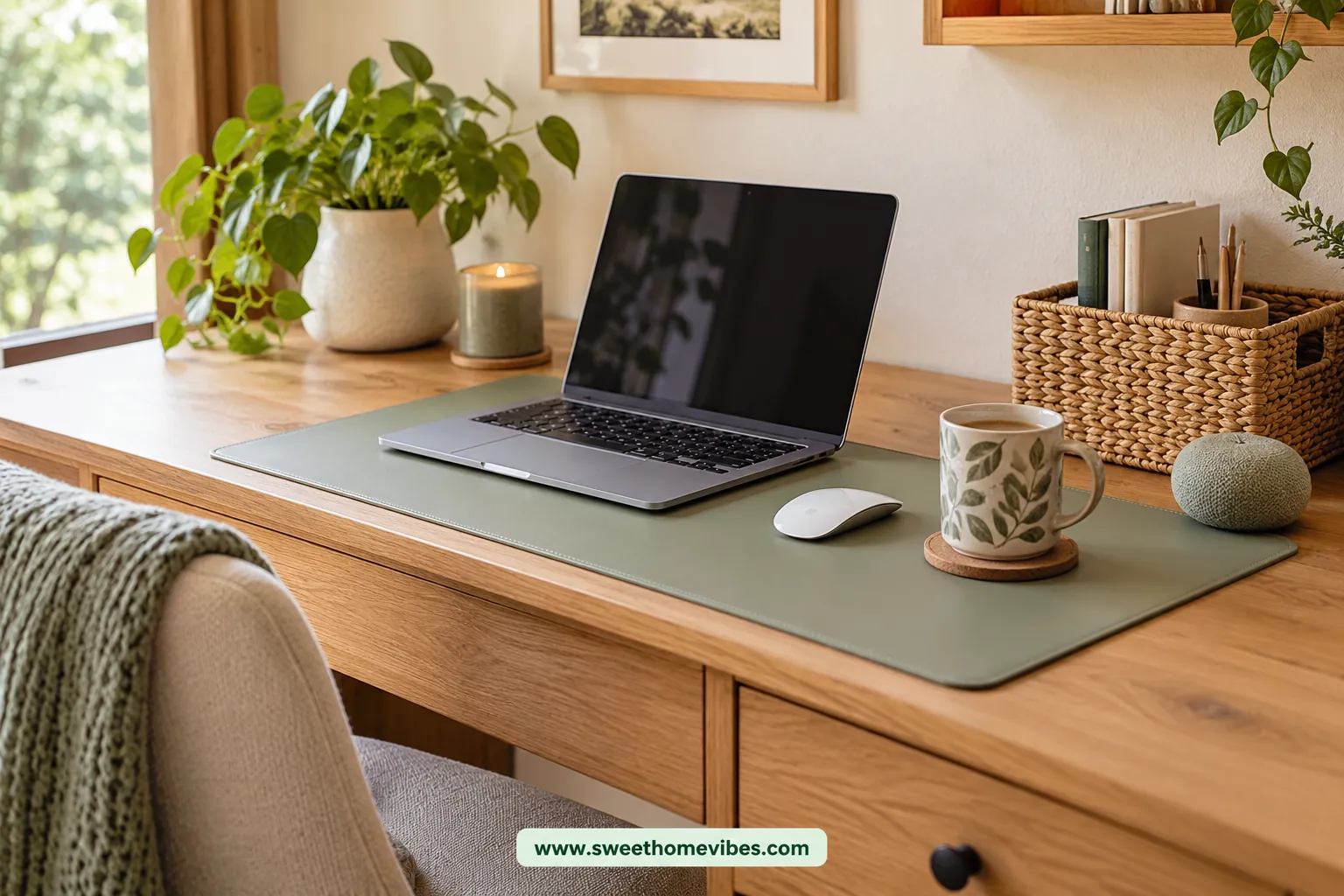
A few coordinated accents can refresh your workspace without changing the furniture. Choose one or two colors already present in the room, then introduce a small detail that complements them. A neutral desk mat or textured storage container can make the setup feel more consistent.
Desk mats are useful budget-friendly desk accessories when they protect the surface and provide enough room for your equipment. Measure the available space before choosing one, especially if your desk is narrow. Avoid buying several decorative items when one carefully chosen accent achieves the appearance you want.
If you prefer softer colors and a cozy workspace, our cute desk setup ideas for girls offer inspiration for pink, neutral, and aesthetic desk arrangements. You can borrow one color combination or decorative detail without copying the entire setup. Keep the changes affordable and suitable for your existing furniture.
12. Finish With a Functional Desk Reset Routine
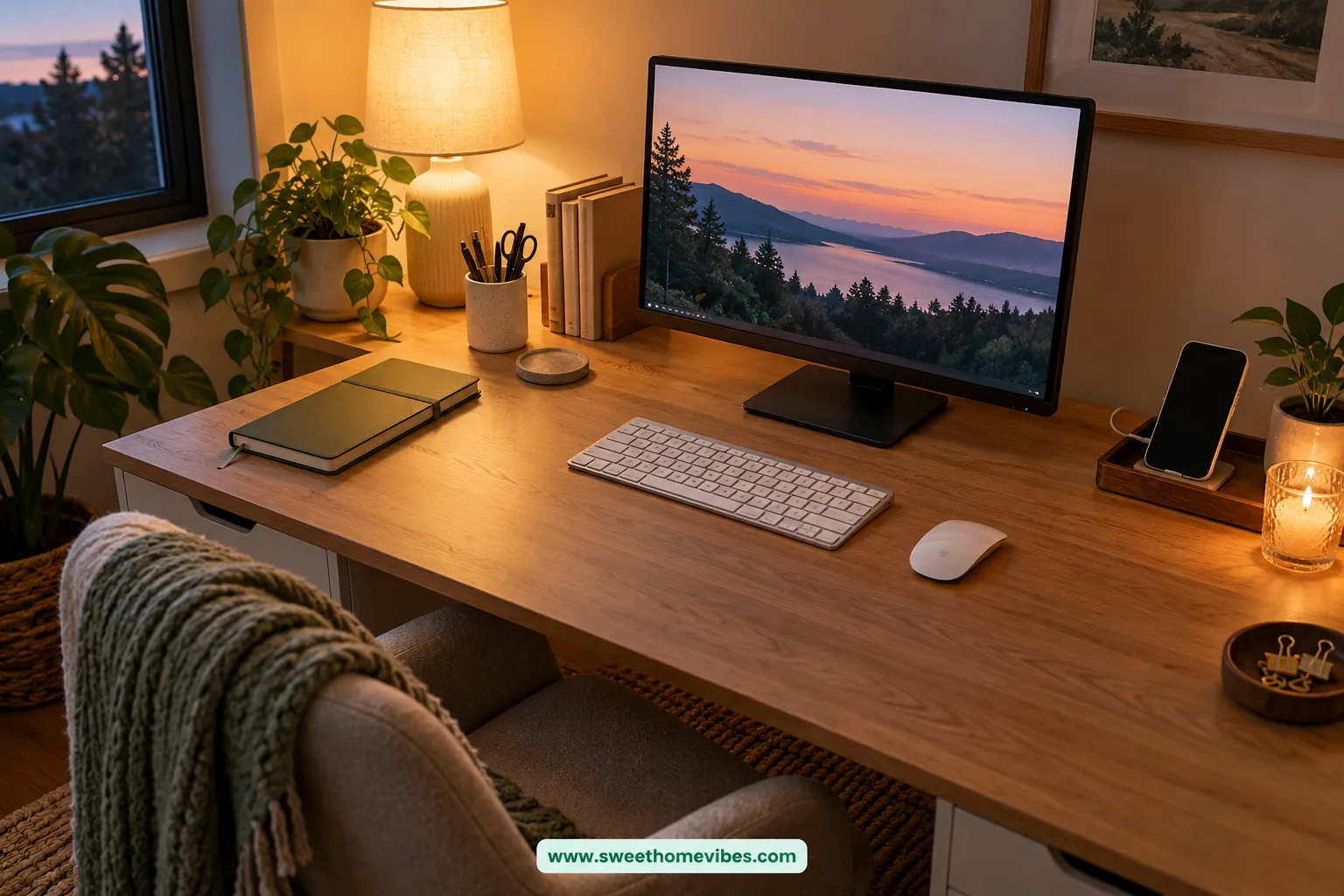
Even an organized workspace can become cluttered after several busy days. Spending five minutes resetting your desk helps preserve the improvements you've already made. Keep the routine manageable so it becomes part of your normal working day.
Your five-minute desk reset:
How Much Does a Budget Home Office Makeover Cost?
A budget home office makeover can cost very little when you keep your existing furniture. The amount you need depends on whether you're improving lighting, comfort, organization, or several problems together. Set a spending limit around the changes you actually need rather than trying to fill a shopping budget.
| Budget | Suggested improvements | Suitable situation |
|---|---|---|
| $25 | One focused upgrade | One noticeable workspace problem |
| $50 | Two complementary upgrades | Lighting and organization issues |
| $100 | Several coordinated improvements | Multiple comfort and clutter problems |
These budgets are examples rather than verified retail prices.
What Can You Upgrade With $25?
A $25 budget is a reasonable starting point when one problem needs attention. You might purchase basic cable-management supplies, a small organizer, or task lighting within your spending limit. Choose whichever improvement addresses your biggest inconvenience instead of dividing the money among unnecessary accessories.
How Can You Refresh Your Home Office With $50?
A $50 budget allows you to address two related problems without replacing furniture. Consider reserving $30 for task lighting and $20 for desk organization if your workspace feels dim and cluttered. Actual purchases may cost less, leaving money available for another necessary improvement.
What Should You Prioritize With $100?
A $100 budget provides flexibility when several workspace problems need attention. Imagine a desk with poor lighting, a low monitor, and visible cables that interfere with everyday tasks. The following example allocates money toward those specific issues while leaving a small reserve.
| Upgrade | Spending allowance |
|---|---|
| Monitor riser | $30 |
| Adjustable desk lamp | $30 |
| Cable-management supplies | $15 |
| Compact desk organizer | $15 |
| Unspent reserve | $10 |
| Total budget | $100 |
These amounts are planning allowances, not confirmed product prices. If your existing monitor already adjusts properly, you can skip the riser and save that money. A successful makeover should solve your problems without requiring you to spend the full budget.
Home Office Makeover Before and After: A Small Workspace Example
Imagine a 40-inch desk holding a monitor, keyboard, lamp, and several scattered accessories. The furniture is still usable, but the arrangement leaves little room for paperwork or comfortable movement. A few targeted changes could improve the setup without replacing the desk.
| Area | Improvement | Benefit |
|---|---|---|
| Monitor | Adjust height and position | More comfortable viewing |
| Lighting | Reposition the lamp | Less distracting glare |
| Storage | Move occasional supplies into a drawer | More usable desk space |
| Cables | Secure cords behind the desk | Less visible clutter |
| Layout | Keep essentials within reach | Easier daily use |
This example shows why a home office makeover should focus on function before appearance. The desk and chair remain unchanged, while the working area becomes easier to use. Original before-and-after images can illustrate these improvements without requiring additional furniture purchases.
Budget Home Office Makeover Mistakes to Avoid
A makeover can become expensive when purchases are driven by appearance rather than everyday needs. Some accessories also create new problems by occupying valuable space or interfering with comfortable movement. Check these common mistakes before placing an order.
| Mistake | Better approach |
|---|---|
| Buying decor before addressing discomfort | Improve seating, lighting, and monitor position first |
| Purchasing storage before decluttering | Remove unnecessary items before measuring for organizers |
| Choosing a monitor stand without checking dimensions | Measure desk depth and screen height |
| Adding too many accessories | Keep the main working area clear |
| Ignoring cable and outlet safety | Route cords carefully and follow equipment ratings |
| Copying Pinterest setups exactly | Adapt ideas to your room, desk, and daily routine |
Your Home Office Makeover Checklist
Use this home office makeover checklist to plan improvements before spending money. Begin with the problem that affects your working day most, then test free changes. Purchase accessories only when they provide a clear benefit.
Frequently Asked Questions About Budget Home Office Makeovers
How can I give my home office a makeover on a budget?
Start by rearranging your existing furniture and removing unnecessary desk clutter. Improve lighting, monitor positioning, and storage using what you already own whenever possible. A home office makeover on a budget becomes more affordable when you purchase only the accessories that solve remaining problems.
What is the cheapest way to improve a home office?
Decluttering and rearranging furniture are among the cheapest improvements because they cost nothing. Moving your monitor, repositioning a lamp, or organizing supplies can make the workspace easier to use. Try these changes before spending money on decorative accessories.
What should I upgrade first in my home office?
Prioritize the problem that affects your comfort or productivity most often. Poor lighting, uncomfortable seating, and unsuitable monitor positioning usually deserve attention before decorative improvements. Once those issues are addressed, focus on storage and appearance.
Can I refresh my home office without buying a new desk?
Yes, provided your existing desk is stable, appropriately sized, and comfortable to use. Better lighting, compact storage, cable organization, and monitor adjustments can improve the setup without replacing furniture. A desk mat or small decorative accent can also refresh its appearance.
How can I make a small home office look better?
Remove unnecessary accessories and keep the main working surface clear. Choose compact storage, improve lighting, and use a limited color palette to reduce visual clutter. A small home office makeover often benefits more from thoughtful organization than additional decorations.
How much should I spend on a home office makeover?
Your budget should depend on the problems you're trying to solve. A $25 allowance might cover one focused improvement, while $50 or $100 provides room for several changes. Spending less is perfectly reasonable when free adjustments already make your workspace comfortable.
Final Thoughts
A home office makeover should make your workspace more comfortable, organized, and enjoyable to use. Start with free improvements, then invest in accessories that address genuine problems rather than filling your desk with decorations. Even a modest budget can make a meaningful difference when every change has a purpose.